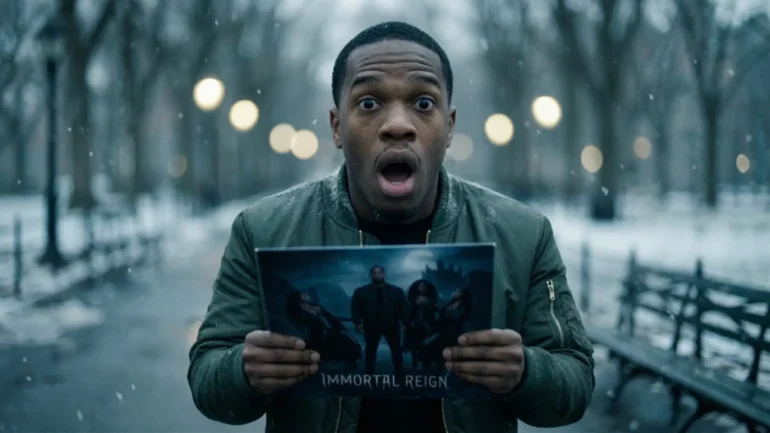
Nano Banana Pro is a powerful tool that turns your words into high-quality art. Just as the MPC sampler let producers make beats easily, this tool lets you create professional album covers and posters. It uses a “thinking” process to ensure your designs look perfect and your text is spelled correctly.
The world of hip hop is changing again. In the past, you needed expensive cameras and designers for your visuals. Now, you have Nano Banana Pro. Think of it as a professional art studio inside your computer. It is the “MPC moment” for your eyes.
Why this tool is a game changer
You can create studio-grade art without paying high fees.
The tool “thinks” about your design before it starts drawing.
It understands hip hop style and urban culture perfectly.
You can make sure your face stays the same in every picture.
Type a simple idea for a rapper portrait in the box.
Press the enter key to watch the AI plan your image.
Download your new 4K artwork once it is finished.
Pro Tip: Always specify the type of camera lens in your prompt. I find that mentioning a “35mm lens” makes portraits look like real street photography because it adds natural-looking grain and depth.
Table of Contents
What makes Nano Banana Pro different from the basic version?
The basic version is like a quick sketch, while the Pro version is a finished masterpiece. The Pro tool takes time to “think” about your idea first. This creates clearer 4K images, correctly spelled text, and realistic details that the fast version misses.
The Big Differences
It Thinks First: The Pro model plans the picture before drawing it. This stops mistakes like hands with too many fingers.
It Writes Words: The basic tool often scribbles messy lines for text. Pro writes real words in styles like graffiti.
It Sees More: You can show Pro up to 14 photos at once. It mixes them all into one perfect image.
It Is Sharp: Pro makes huge 4K images. These are big enough to print on shirts or posters.
How to choose the right tool
Think about what you need right now.
Use the basic “Flash” model for quick ideas.
Switch to the “Pro” model for the final art.
Find the model setting in your menu.
Select Gemini Advanced to use the Pro power.
Turn on the Thinking mode for the best results.
Wait a little longer for the AI to finish.
Pro Tip: I always use the fast basic mode to make 20 quick test sketches first. Once I find the best idea, I switch to Pro to make the final high-quality version.
How do I write a prompt that actually works?
Writing a prompt is like giving instructions. You cannot just say “make art.” You must list the ingredients. Tell the AI the subject, the action, the place, and the style. This helps the “Thinking” brain understand exactly what to draw for you.
Building the Perfect Prompt
Start with the Medium, like a photo or painting.
Name the Subject, like a rapper or a microphone.
Describe the Action they are doing right now.
Set the Scene, like a dark subway station.
Pick the Lighting, like neon lights or sun.
Choose the Style, like a 90s magazine cover.
Add technical details like “4K resolution” or “film grain”.
Examples for Building the Perfect Prompt
Here is how to turn a weak idea into a strong prompt using the six steps.
Weak Prompt: “Make a picture of a rapper.”
Strong Pro Prompt: “A photorealistic portrait of a young rapper holding a vintage microphone. He is standing on a dark stage with blue spotlights shining on him. The image looks like a 1990s music video with film grain. 4K resolution.”
Use words like “Bubble letters” or “Wildstyle” for flavor.
Describe the material, like “gold” or “chrome”.
Tell the AI where to put the text.
Check the spelling after the image finishes.
Examples for Writing Text and Logos
Use these prompts to make the AI write clear words for your brand.
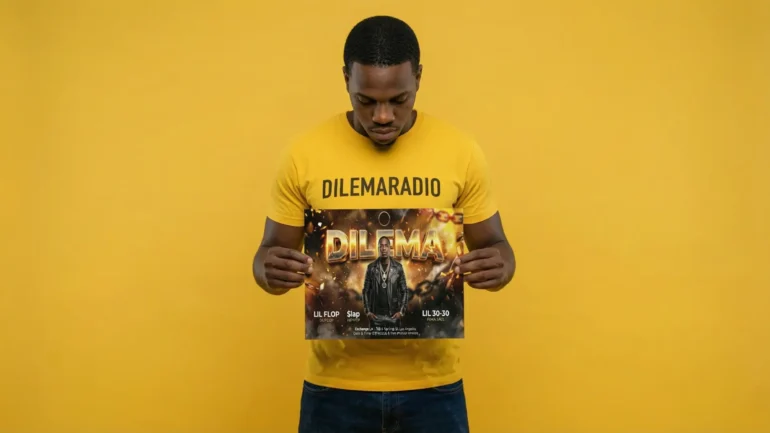
The Graffiti Tag: “A photo of a brick wall in an alley. On the wall, write the name ‘DILEMA’ in colorful wildstyle graffiti art. The paint looks wet and fresh.”
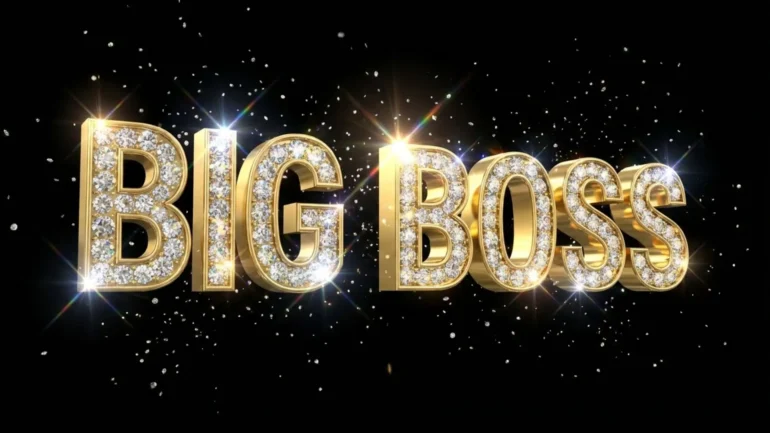
The Bling Logo: “A 3D render of the words ‘BIG BOSS’ made of solid gold and diamonds. The text is floating in a black void. Add sparkles and lens flares.”
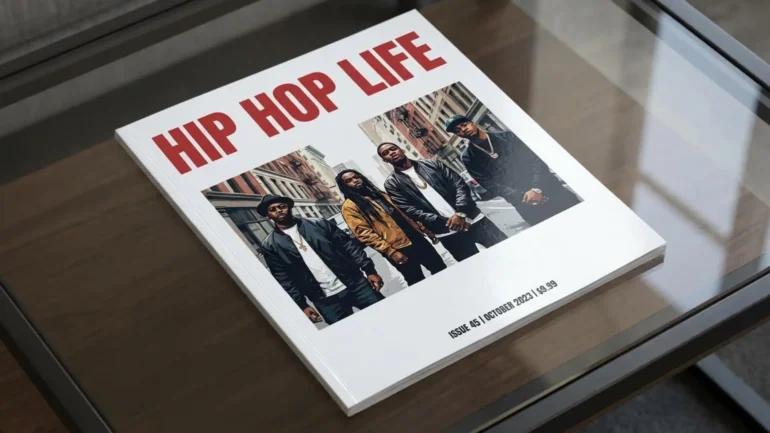
The Magazine Cover: “A glossy magazine cover. The title at the top says ‘HIP HOP LIFE’ in big bold red letters. The background is white.”
Pro Tip: I always ask for “cinematic teal and orange lighting” in my prompts. This makes every picture look like a big-budget movie scene instantly. It fixes boring colors fast.
How do I keep my face and style consistent?
You can teach the AI exactly what you look like. By showing it up to 14 photos of your face, it learns your features. This creates a “digital clone” that stays the same in every picture you make.
The Magic of 14 Photos
Most AI tools forget who you are quickly.
Nano Banana Pro remembers up to 14 images at once.
It uses these photos to build a 3D map of your face.
It works like a digital mood board for your brand.
This lets you act as a “virtual actor” in any scene.
How to lock your identity
Collect up to 14 clear photos of your face.
Make sure you look at the camera in some photos.
Include photos of your side profile too.
Upload all these photos to the Gemini prompt box.
Type “Use these images as the character reference”.
Describe a new scene for your character to act in.
Press enter and watch your clone appear in the new place.
Text prompt: > Using the uploaded images as a character reference, create a new photo of this person. He is wearing a red velvet suit and standing in a futuristic city. Make sure the facial features match the reference photos exactly.
Pro Tip: I mix three photos of my face with two photos of 90s cartoons. The AI puts my real face into the cartoon style perfectly. This is the best way to make unique art that still looks like you.
What are the first 3 projects I should try?
Learning is fun when you make cool things. We chose three easy projects for you to start today. First, take a street photo. Second, make a toy figure. Third, design a magazine cover. These teach you lighting, style, and text skills.
Project 1: The Gritty Street Portrait
This project teaches you how to control mood and lighting.
Open the prompt box in Gemini.
Type “A black and white street photo of a rapper”.
Add “High contrast” to make the shadows look dark.
Add “35mm film aesthetic” for a classic camera look.
Press enter to generate your image.
Look at how the light hits the subject’s face.
Text prompt >: A gritty, black and white street photography portrait of a hip hop artist leaning against a brick wall in Brooklyn. The subject is wearing a hoodie and a fitted cap. Intense eye contact with the camera. High contrast, film grain, 35mm film aesthetic. The background is slightly out of focus urban alleyway. Aspect ratio 16:9
Project 1 Example: Master high-contrast lighting and mood with this gritty “35mm film aesthetic” prompt.
Project 2: The 3D Vinyl Toy
This project teaches you about textures like plastic and cardboard.
Clear your old prompt to start fresh.
Type “A cute vinyl toy of a rapper”.
Say “Inside plastic blister packaging” to make it look real.
Tell the AI to write your name on the box.
Use the word “Macro photography” for a close-up shot.
Watch the AI build a toy that does not exist.
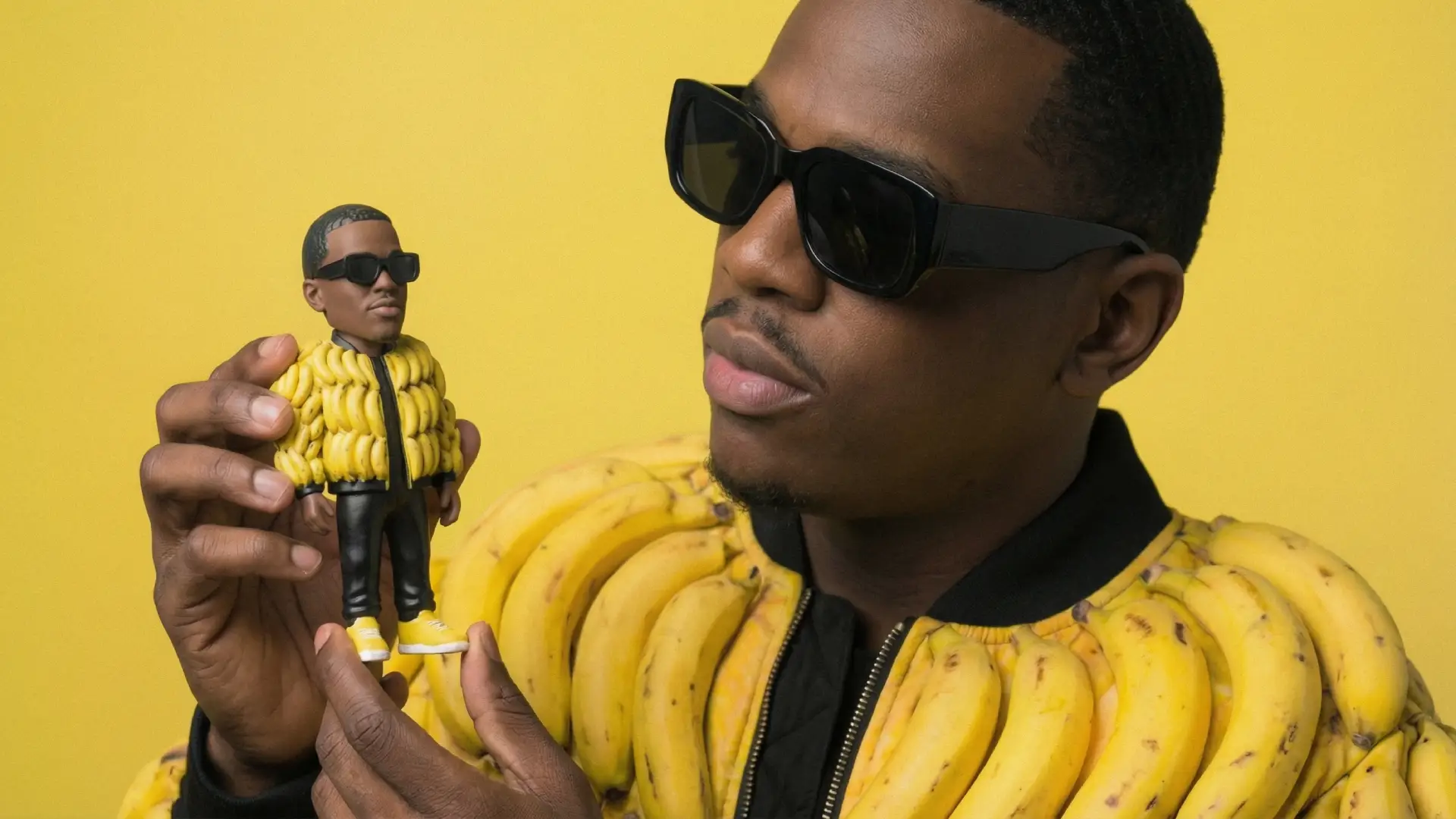
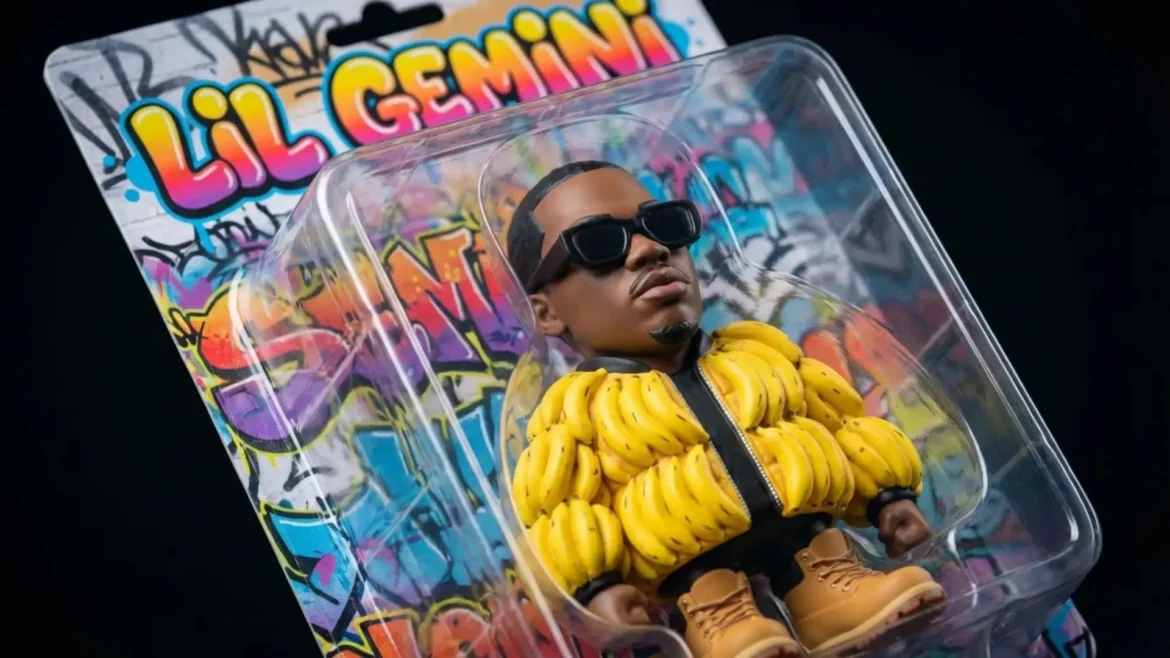
Text prompt >: A macro photography shot of a commercial vinyl toy figurine inside plastic blister packaging. The figurine is a caricature of a rapper wearing a puffer jacket and Timberland boots. The backing card of the packaging features colorful graffiti art. The text 'LIL GEMINI' is printed in bold bubble letters on the top of the cardboard packaging. Realistic plastic textures, studio lighting, shallow depth of field focusing on the toy face. 4k resolution.
Project 2 Example: Learn how to generate realistic 3D product mockups like this custom vinyl toy using the “Thinking” model.
Project 3: The Magazine Cover
This project tests the “Thinking” model’s ability to write text.
This project focuses on words and layout.
Type “A glossy magazine cover” as your medium.
Add the title “HIP HOP DAILY” in bold text.
Describe a rapper standing in front of the words.
Ask for a “barcode” in the corner for detail.
Check if the AI spelled the title correctly.
Text prompt: > A photo of a glossy magazine cover, the cover has the large bold words 'HIP HOP PRO'. The text is in a serif font, black on white, and fills the view. No other text. In front of the text there is a dynamic portrait of a person in green and yellow high-end fashion. Put the issue number and today's date in the corner along with a barcode and a price. The magazine is on a white shelf against a wall.
Project 3 Example: Test the AI’s advanced text rendering by designing a professional magazine layout with perfect spelling.
Pro Tip: I love using the word “Knolling” in my prompts. This organizes objects in straight lines. I use it to show all the items inside a rapper’s backpack laid out neatly on a table.
Your Next Mission: A Digital Clone of Yourself
You have mastered the basics. You are ready for the advanced class. We will teach you how to make a clone of yourself with Nano Banana Pro.
Yes, you can. Google allows you to use these images for your business. This means you can put them on album covers or sell them on t-shirts. You should know that the raw picture from the AI belongs to the public. You should change it a little bit to own the copyright. You can add your own text or filters in Photoshop because this human touch makes it yours.
Can I make pictures of famous rappers?
You should avoid doing this because it can cause legal trouble. Google has safety filters that stop you from making fake photos of celebrities. It is much safer to use your own face or create a new character. This keeps your brand unique and safe.
Why does the text in my picture look messy?
You might be using the fast “Flash” model. You need the “Pro” model because it is built to write clearly. The Pro model thinks about the letters as symbols so it can spell correctly.
How many photos do I need to make a clone?
You can upload up to 14 reference images at one time. This helps the AI understand exactly what you look like. It combines your face photos with your style photos to make a perfect match.
Does the AI leave a mark on my image?
Yes, every image has a hidden signature called SynthID. You cannot see it with your eyes. It is there to show that the image was made by AI. We recommend being honest with your fans about using AI tools.
AI is a special tool for your art. It acts like a smart helper inside your computer. You give it your big ideas. It helps you turn those ideas into real life changing music opportunities, pictures, and videos. It makes your imagination grow because it works at light speed for you. What is AI and Why Should I Use It?How Do I Talk to the Machine? (The Power of the […]