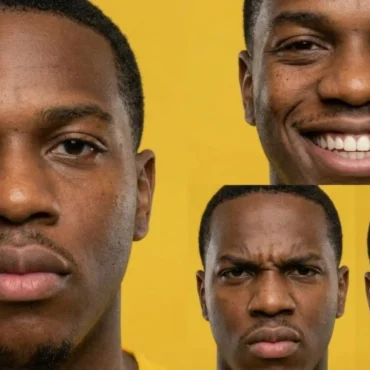
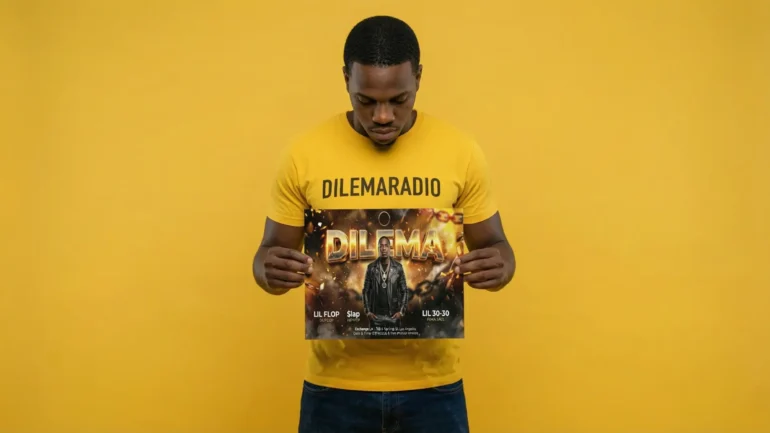
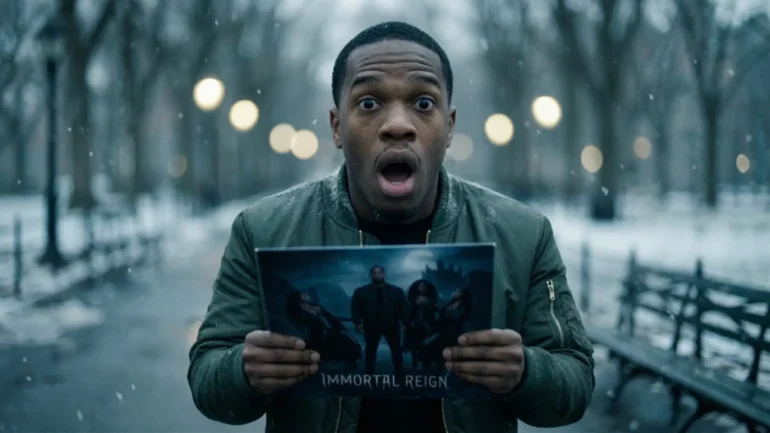
In our last tutorial, you did something very smart. You made a Digital Clone of yourself. You took special photos of your face and body so the computer knows exactly what you look like.
Today, we are going to use that clone to take professional photos for your music career. These photos are like your primary money or “cultural capital”. It’s time to present yourself as a professional.
We will use three special tools:
Gemini: This is your smart helper who writes the instructions.
Nano Banana Pro: This is the magic artist that draws your photos.
Google Flow: This is the tool that makes your favorite photos big and super sharp.
We have a simple plan for every type of photo:
Upload: We show the computer your clone photos.
Grid: We ask Gemini to make a sheet of 9 small pictures.
Flow: We pick the best one and use Google Flow to make it a masterpiece.
Are you ready to see yourself look like a superstar? Let’s go!
Table of Contents
What Kind of Photos Does a Hip Hop star Need?
Before we start clicking buttons, we need to know what we are making. Experts say there are four main types of pictures every artist needs.
The Four Pillars of Photos
Professional Photos: These are for your album covers and huge signs called billboards. They make you look like a hero.
Press Photos: These go in magazines and on blogs. They tell the story of your life.
EPK Photos: These are for business people who book your concerts. They have a lot of empty space for writing words.
Cinematic Photos: these look like they came out of a movie or a music video.
How Do I Set Up My AI Studio?
Before we make any art, we have to teach the computer who you are.
Upload your Clone Assets (the 6 photos from the last lesson, like your face and full body).
Now the computer is ready to use your face in every picture we make!
Can I Look Like a Legend on an Album Cover?
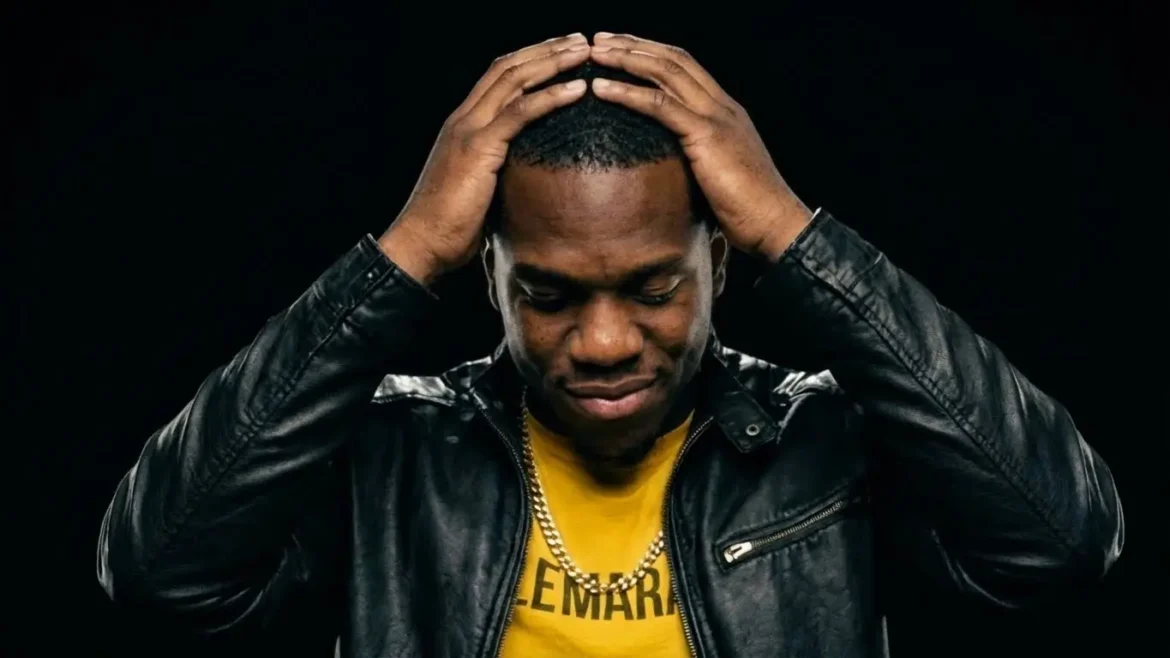
First, let’s make Professional Photos. These make you look powerful and “expensive”. We will use a style called “Black-on-Black” where you wear dark clothes on a dark background.
Step 1: Create the 9-Photo Grid in Gemini
Copy this instruction and send it to Gemini:
The prompt:
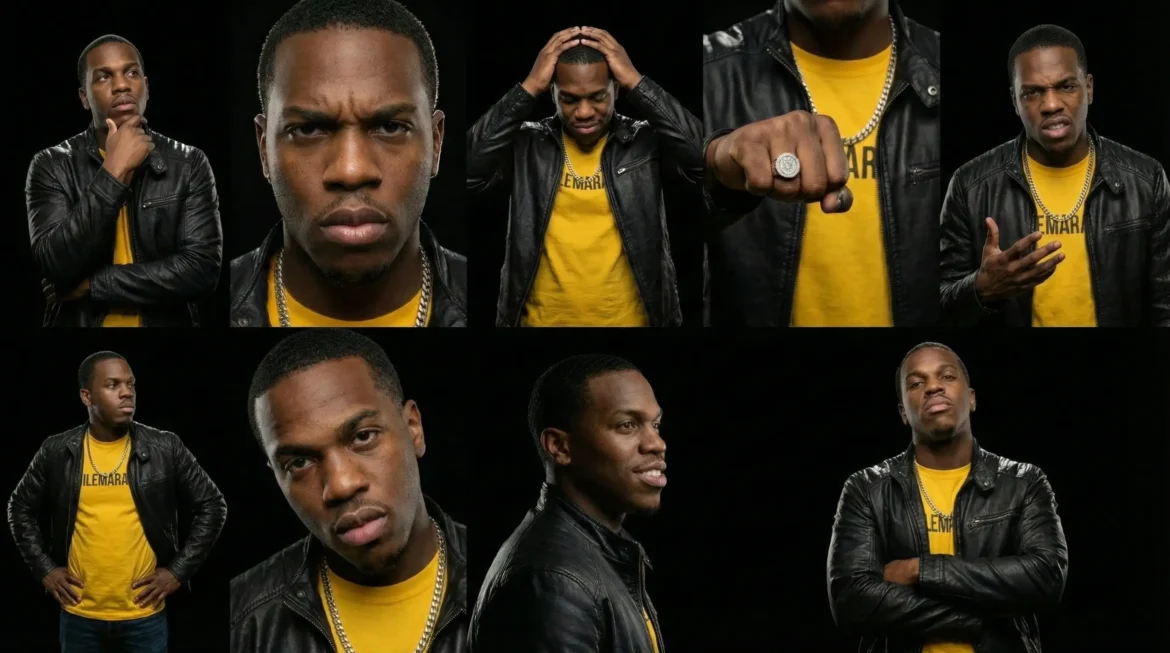
Task: Generate a sequence of 9 professional studio stills.

Story: A powerful hip hop artist posing for a world-famous album cover.

Visual Setting: Use a professional high-resolution medium format camera. The setting is a dark studio with a solid black background. Use "clamshell lighting" with a big soft light above and a reflector below to make the face look perfect and smooth. Add "rim lighting" from behind to make the edges of the body glow so the artist stands out from the dark wall. The focus is on sharp textures like the shine on a chain and the grain of a leather jacket.

Directives: Keep the main character 100% consistent with the uploaded clone photos. Square 1:1 aspect ratio. No deformed faces.
Result
Download the professional studio stills in 2k or higher and save it on your device as “professional studio stills.png“
Step 2: Make the Best One Big in Google Flow
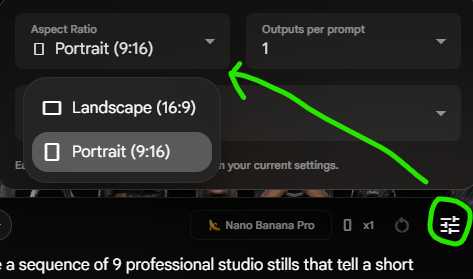
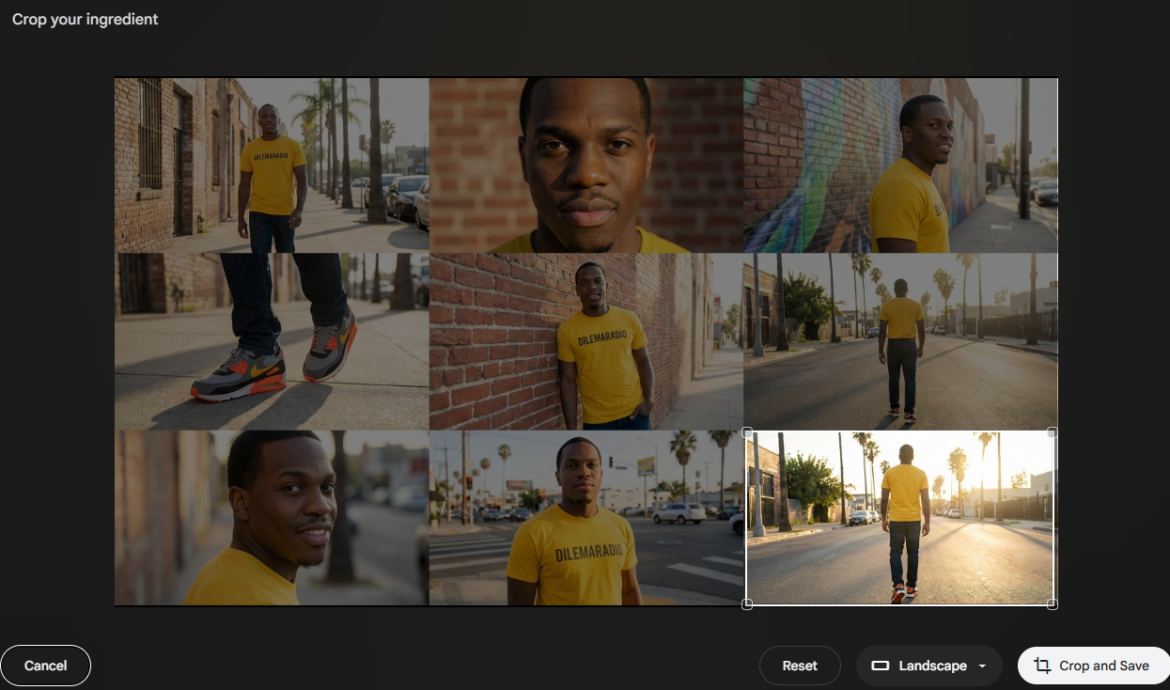
Now, go to Google Flow and upload all the images from the Clone Assets and add “professional studio stills.png” as final image. For the final image use the selection tool, in this case i picked the 3rd frame in portrait mode and click Crop and Save.
1.
2.
Switch back to landscape mode:
Use this prompt:
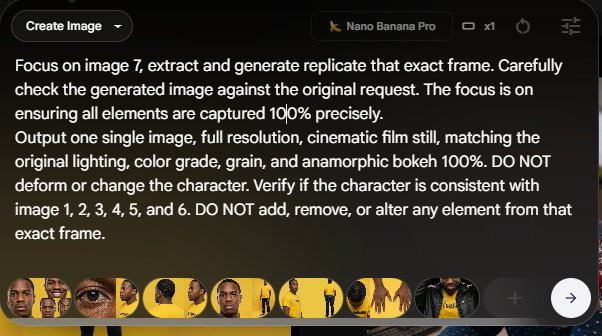
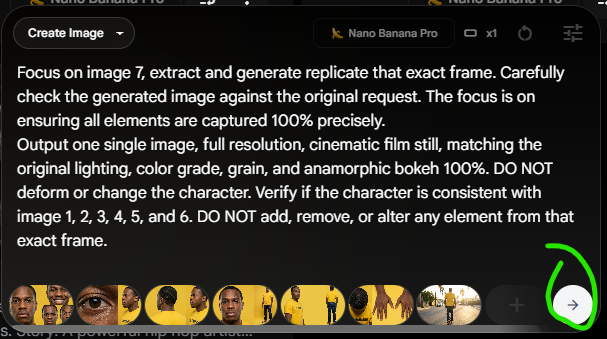
Focus on image 7, extract and generate replicate that exact frame. Carefully check the generated image against the original request. The focus is on ensuring all elements are captured 100% precisely.

Output one single image, full resolution, cinematic film still, matching the original lighting, color grade, grain, and anamorphic bokeh 100%. DO NOT deform or change the character. Verify if the character is consistent with image 1, 2, 3, 4, 5, and 6. DO NOT add, remove, or alter any element from that exact frame.
Result:
How Do I Tell My Story to Magazines?
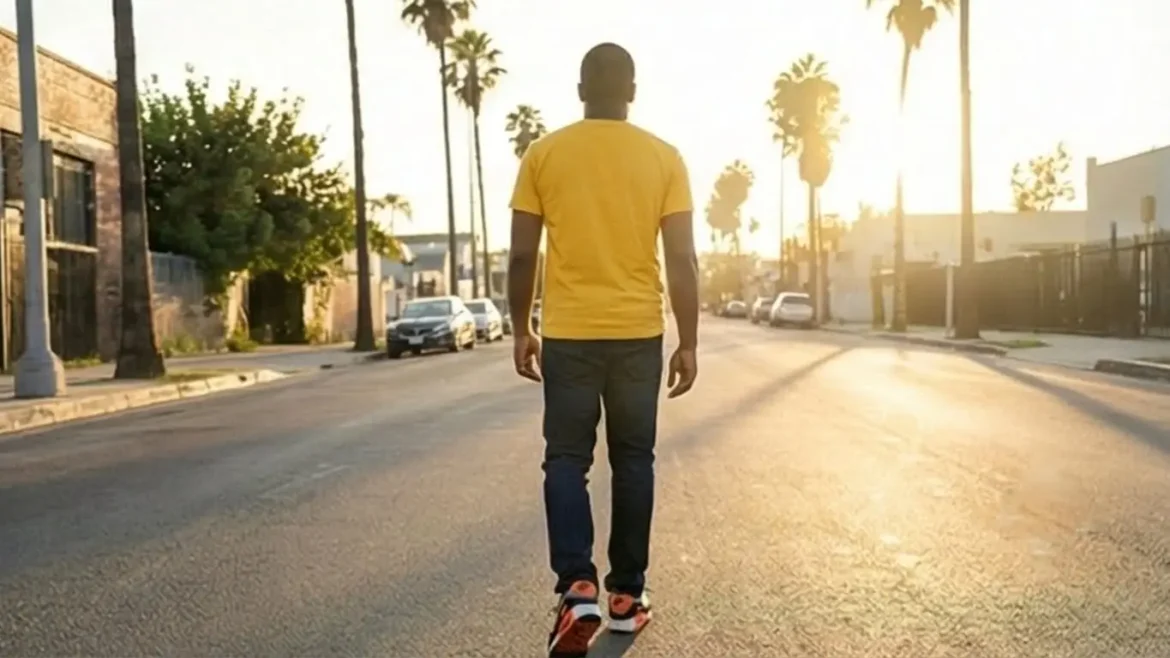
Press Photos are for telling stories. We want these to look “real” and authentic. We will use “Environmental Portraits” which show you in a real place like a city street.
Step 1: Create the 9-Photo Grid in Gemini
Copy this instruction and send it to Gemini:
Task: Generate a sequence of 9 press photo stills that tell a short story.

Story: This man is walking through a bright LA city neighborhood in the afternoon.

Directives:

Visual Style: Raw style. The images must be very professional with a shallow depth of field with highly varied shots. Use a 35mm wide-angle lens for an environmental portrait. The background is a real city street with brick walls. Use bright, natural sunlight to make the colors pop and grab attention. The artist is looking at the camera with a friendly but cool face. Make sure the eyes are very clear because they tell the story.

Format: Wide 16:9 aspect ratio.

Quality and consistency: The main character in the stills must be 100% consistent with the character in image 1,2,3,4,5 and 6. Double check the scenes in the still are 100% consistent with each other. No deformed faces.
Step 2: Make it Big in Google Flow
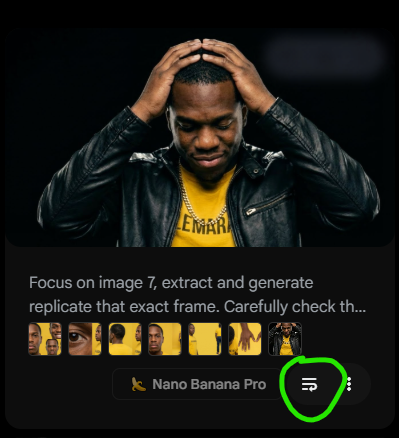
Take it to Google Flow and instead of reuploading all the images one by one just reuse the prompt :
Replace the last image and make your selection:
Click render:
Result:
How Can I Make Room for Words on My Posters?
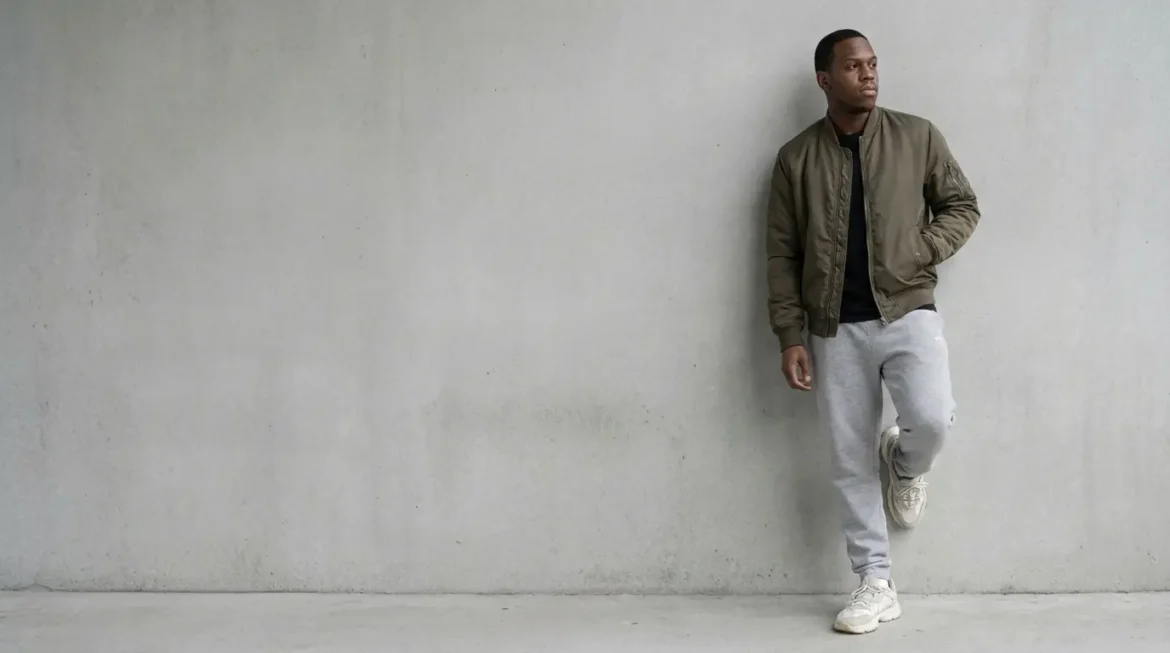
EPK Photos are for business. We need “Negative Space”. This is a big empty part of the picture (like a plain sky) where a designer can type your tour dates.
Step 1: Create the 9-Photo Grid in Gemini
Copy this instruction and send it to Gemini:
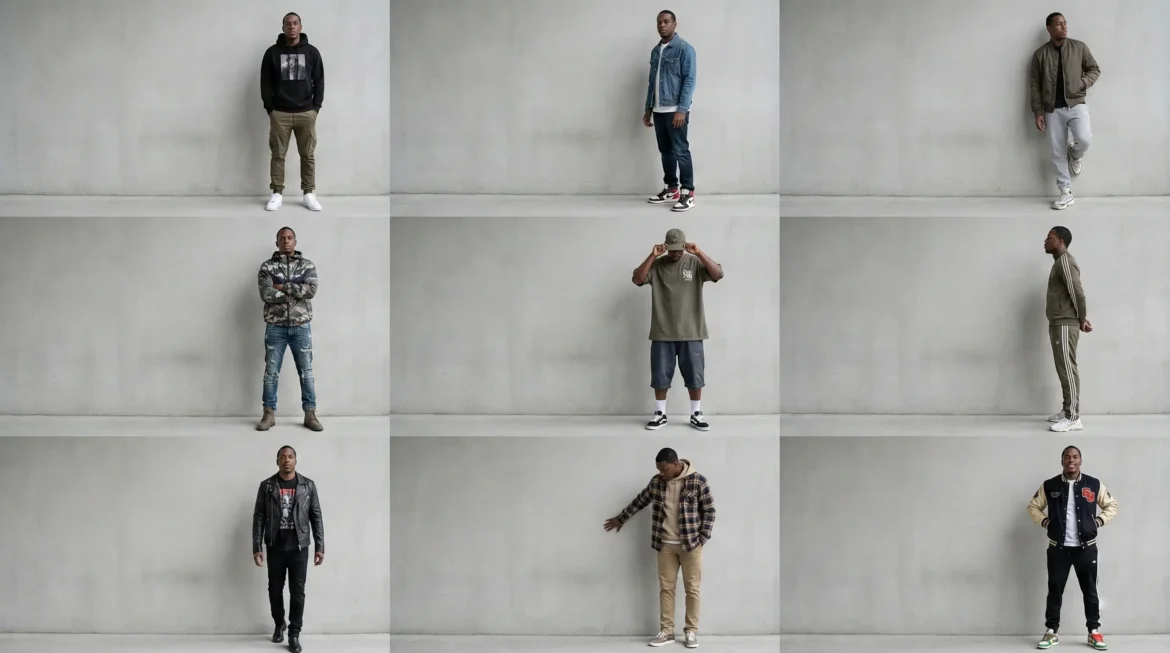
Task: Generate a sequence of 9 EPK background stills.

Story: A clean fashion photo of the artist standing on one side of the frame.

Visual Setting: Use a wide-angle lens with a deep depth of field. Place the artist on the far right side of the picture. Leave the entire left side as "negative space", a simple, empty grey concrete wall with no clutter. Use soft, even light so there are no messy shadows. The artist should be wearing cool streetwear.

Directives: Keep the character 100% consistent with the uploaded clone photos. Wide landscape format.
Result:
Pro tip Ignore the distorted faces. Nano Banana Pro within the Gemini app is doing a better job than within FLOW because of the PRO and THINKING mode.
Step 2: Make it Big in Gemini
Because the face was disformed I am going to use Nano Banana Pro inside the Gemini app instead:
Upload first all 6 assets photos
Upload the 9-Photo Grid
Copy the text prompt below:
Focus on the 3rd frame within the grid. Analyze all the frame’s details. When ready, extract and generate replicate that exact frame. Carefully check the generated image against the original request. The focus is on ensuring all elements are captured 100% precisely.

Output one single image, full resolution, cinematic film still, matching the original lighting, color grade, grain, and anamorphic bokeh 100%. DO NOT deform or change the character. Verify if the character is consistent with image 1, 2, 3, 4, 5 and 6. DO NOT add, remove, or alter any element from that exact frame.

Raw style in the aspect ratio 16:9
Can I Make My Photos Look Like a Movie?
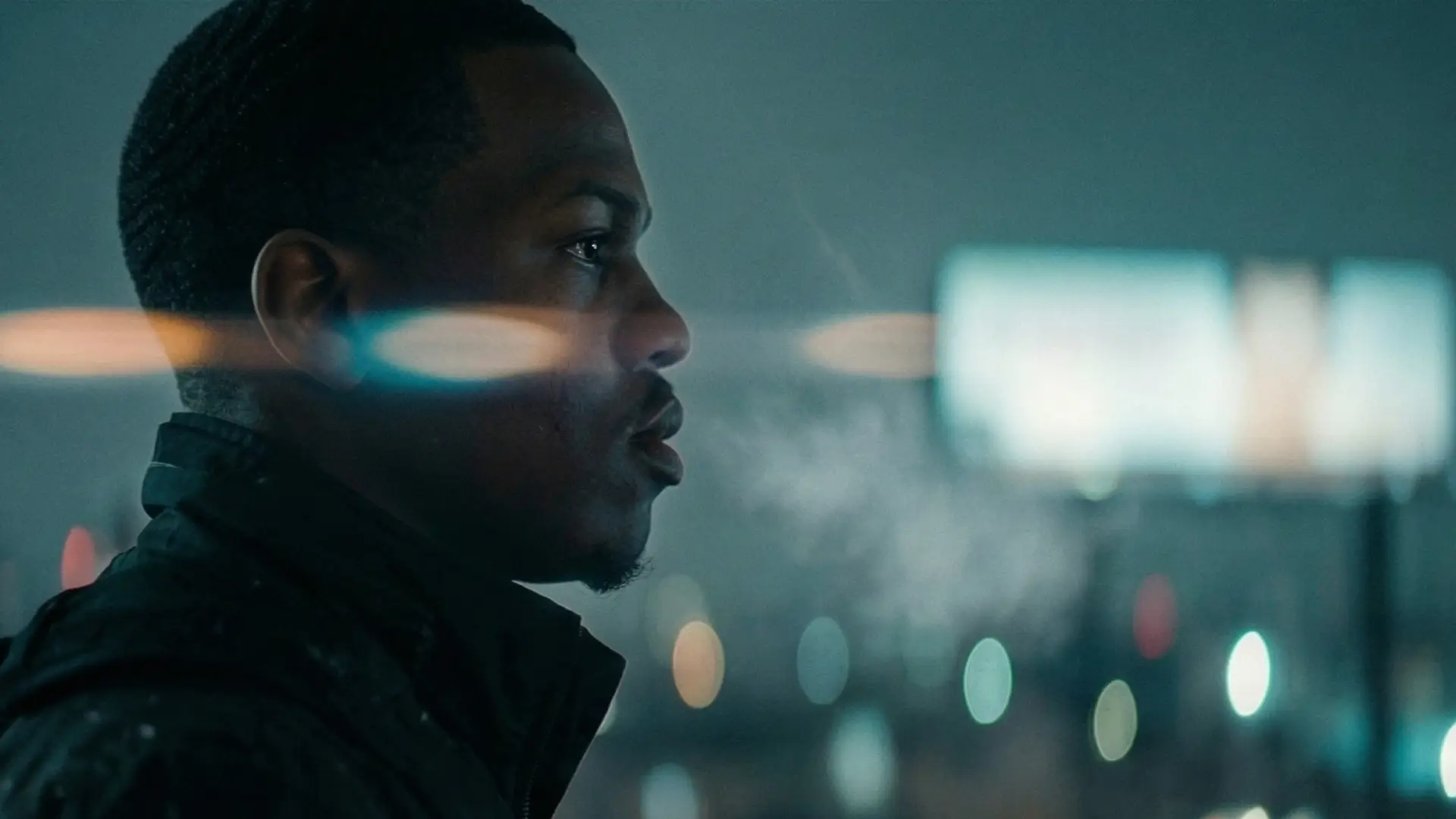
Cinematic Photos are all about a “mood”. We will use special colors like Teal and Orange to make you look like you are in a Hollywood film.
Step 1: Create the 9-Photo Grid in Gemini
Upload all Clone assets images and copy this instruction and send it to Gemini:
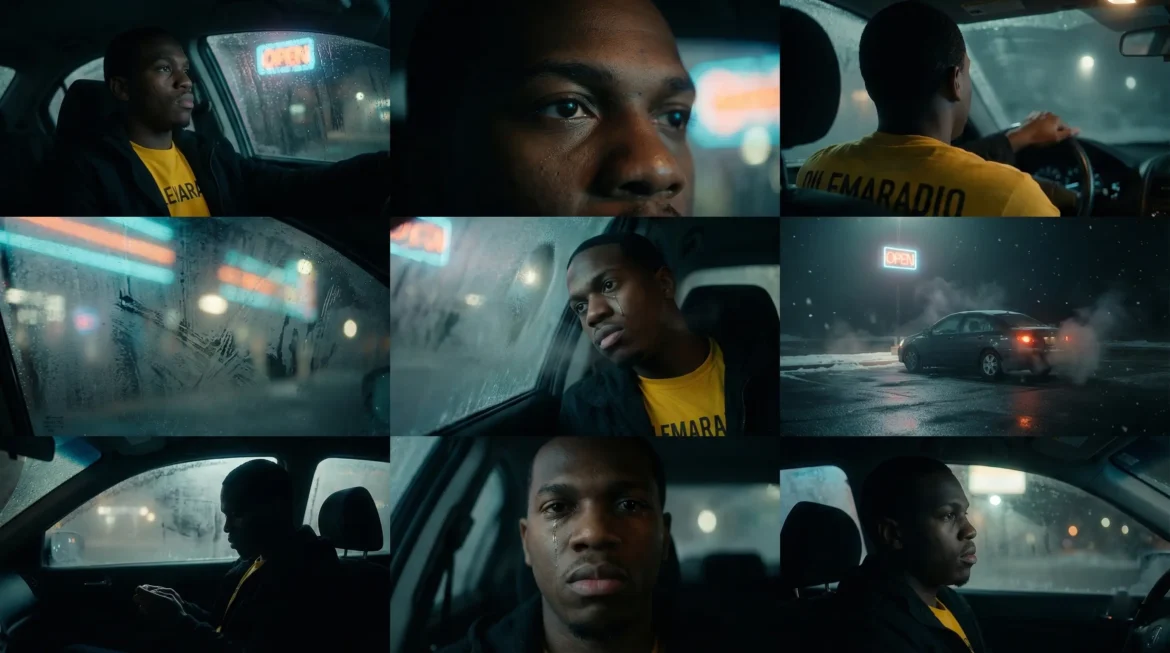
Cinematic film still, Kodak Vision3 500T pushed +1 stop, 35 mm anamorphic lens, Use an "anamorphic lens" to create oval-shaped lights in the background, shallow depth of field, oval bokeh, Use "Teal and Orange" color grading to make the mood dramatic. Add "haze" or fog to the air to make the light look thick and cool, subtle film grain, tactile textures, frost and snow particles, natural overcast lighting, negative fill, high contrast shadows, desaturated palette, no color pops, moody winter atmosphere, isolation, narrative tension, ultra-detailed 8K, photography by Roger Deakins and Hoyte van Hoytema,

create a sequence of 9 cinematic film stills that tell a short story about this artist sitting in a neon-lit car at night, looking out the window. It should be very cinematic with a shallow depth of field with varied shots to create a film-like dramatic style with highly varied cinematic shots and one b-roll shot. DO NOT deform or change the character.

In the aspect ratio 16:9, raw style.

Quality and consistency: The main character in the stills must be 100% consistent with the character in image 1,2,3,4,5 and 6. Double check the scenes in the still are 100% consistent with each other. No deformed faces.
Step 2: Making it Big in Gemini
Upload first all 6 assets photos
Upload the 9-Photo Grid
Copy the text prompt below:
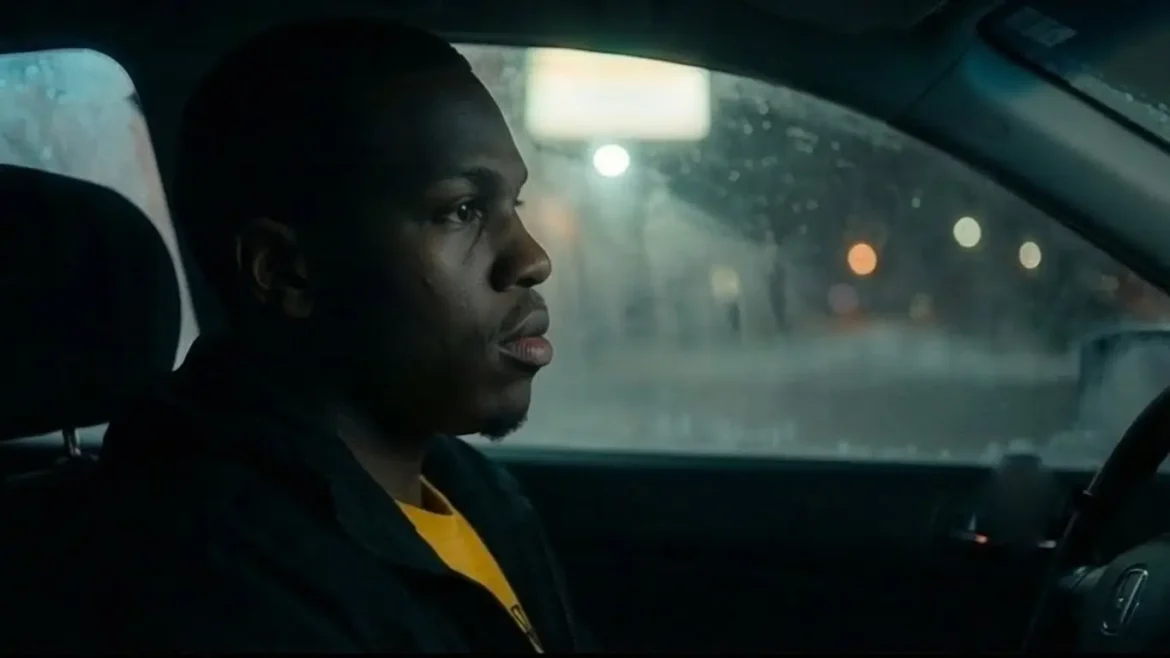
Focus on the 3rd frame within the grid. Analyze all the frame’s details. When ready, extract and generate replicate that exact frame. Carefully check the generated image against the original request. The focus is on ensuring all elements are captured 100% precisely.

Output one single image, full resolution, cinematic film still, matching the original lighting, color grade, grain, and anamorphic bokeh 100%. DO NOT deform or change the character. Verify if the character is consistent with image 1, 2, 3, 4, 5 and 6. DO NOT add, remove, or alter any element from that exact frame.

Raw style in the aspect ratio 16:9
Practice Makes Perfect!
You just learned how to be a professional photographer using AI! You can now make pictures for billboards, magazines, posters, and movies without ever leaving your house.
Pro tip When you save your photos, give them a good name like “MyName_PressPhoto_2025.jpg”. This makes you look like a pro!
What’s Next?
Now that you have these beautiful photos, what should we do with them? We need to make art for your music! In our next lesson, we will use your clone to create an incredible album cover.
FAQ (Frequently Asked Questions)
Can I change my clothes in the photos?
Yes! You can describe any outfit you want in the prompt. If you want to wear a blue velvet suit or a shiny silver jacket, just write it in the “Visual Setting” part of your instruction. The AI uses your clone to get your face right while putting you in the new clothes you described.
What should I do if the AI makes my face look strange?
Sometimes the AI gets confused. If a face looks a little bit off, you should try the prompt again. You can also add words like “high quality” or “clear face” to help the computer understand. Using Google Flow to upscale the image often fixes small mistakes because it adds more detail to the eyes and skin.
How many photos should I keep for my music folder?
It is best to pick only 3 to 5 of your very best pictures. Business people are very busy and only look at images for a few seconds. Having a few perfect photos is much better than having twenty okay photos.
Why is empty space so important for my posters?
Graphic designers need a place to put your name and the date of your show. If the whole picture is filled with your face or a busy background, the words will be very hard to read. Leaving a big empty wall or a clear sky makes your posters look professional and easy to understand.
Do I have to use my clone images every single time?
Yes, you should always upload your 6 clone assets at the start of a new project. This acts as a “character reference” for the AI. It ensures that you look like the same person in your album cover as you do in your press photos.
Extreme Useful Tips for Success
Be Very Specific with Colors: Instead of just saying “a colorful background,” try saying “a neon purple and lime green background.” Giving the AI exact colors helps it create a much stronger “vibe” for your music style.
Focus on the Eyes: The eyes are the most important part of any press photo because they help people connect with you. Always include the phrase “sharp focus on the eyes” in your prompts to make sure you look real and alive.
Keep Your Background Simple First: If you are just starting, try using a solid color background like white or light grey. Simple backgrounds make it easier for the AI to focus on your face and body without making any messy mistakes.
Practice Good File Hygiene: Every time you save a photo from Google Flow, name it correctly right away. Use a name like “YourName_Cinematic_2025” so you can find it easily later. This saves you a lot of time when a magazine asks you for a photo quickly.
Check the Lighting Direction: Make sure the light in your prompt matches the mood of your music. Bright sunlight is great for happy or energetic songs, while dark “rim lighting” is perfect for serious or mysterious music.
An AI Clone is a computer version of you that looks very real. It helps you be everywhere at once without getting tired. You use it for photos and videos while you sleep. This protects your mind and keeps your fans happy. In this AI Academy tutorial we will show you how to create a clone of yourself with the Artificial Intelligence tool Nano Banana Pro. The music world moves […]